
🖥
Desktop & laptop
Ideal for desk workers and anyone who wants a larger screen for YogaBuilder™, desk-friendly movement, wellbeing content and their Jyoti account.
Jyoti Desktop Web BETA is there for desk workers and users who prefer a larger screen. Your same universal Jyoti login works across supported web desktop, tablet, iOS and Android devices.
Important: subscriptions must currently be set up in the Jyoti mobile app through the Apple App Store or Google Play. Once registered and subscribed, use the same universal Jyoti login on web desktop, tablet and mobile.
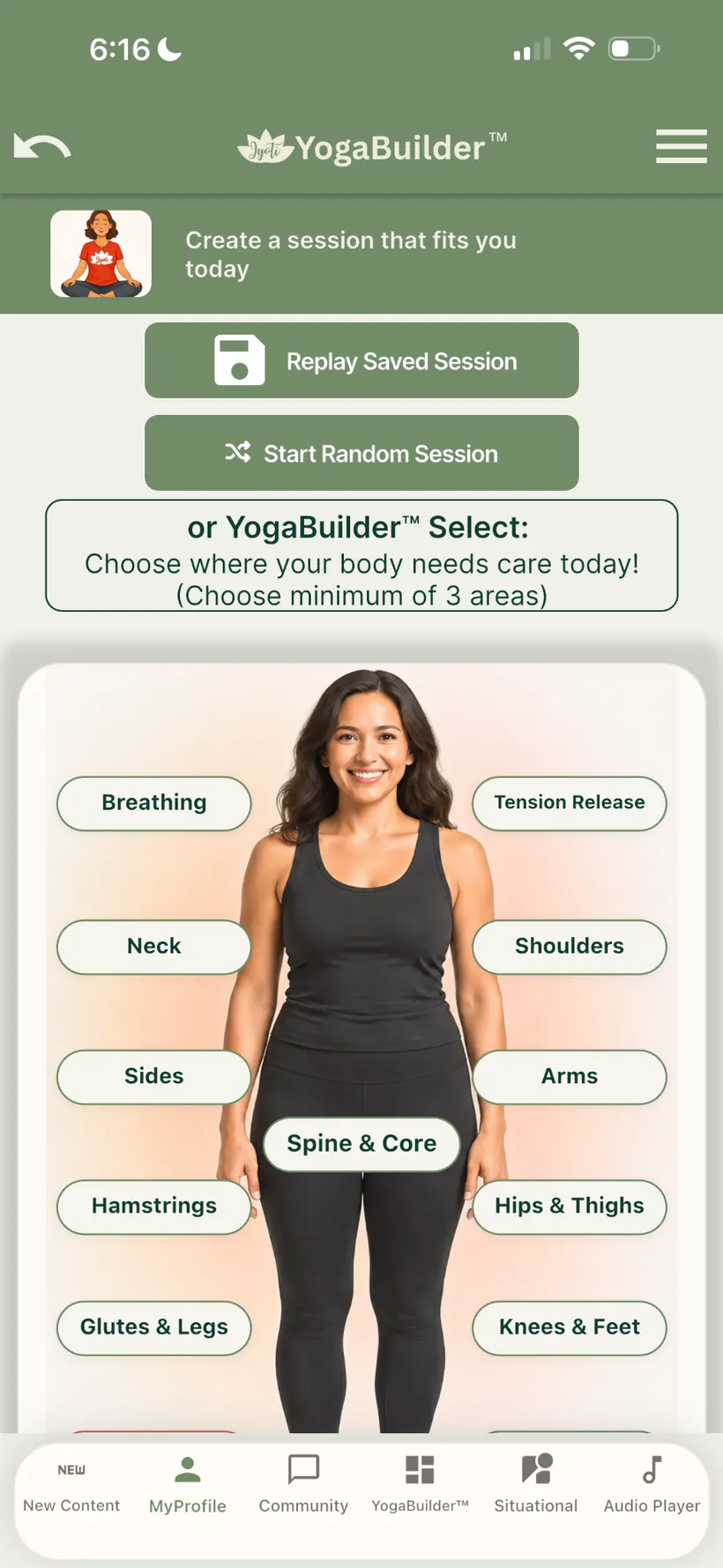 YogaBuilder™Personalise your practice
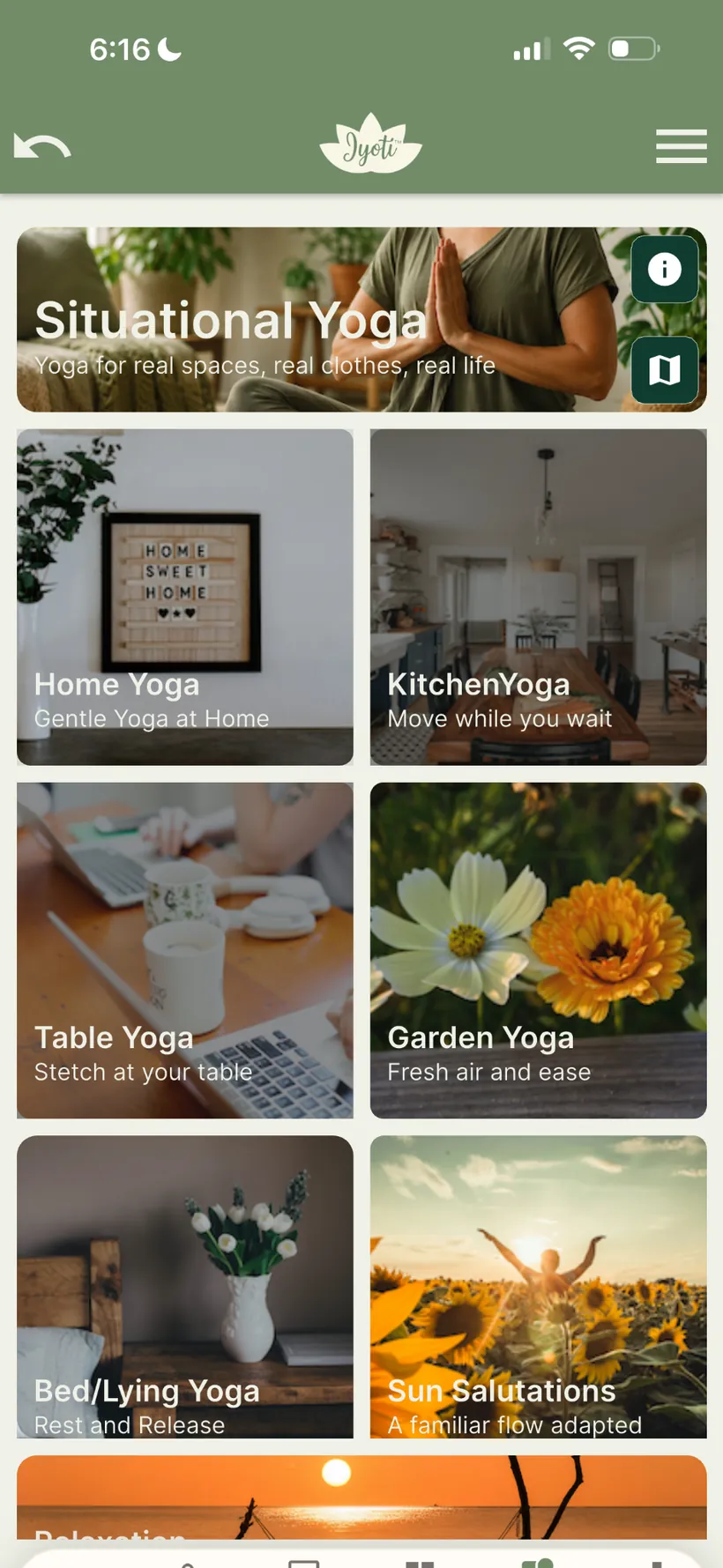 Situational YogaMove where you are
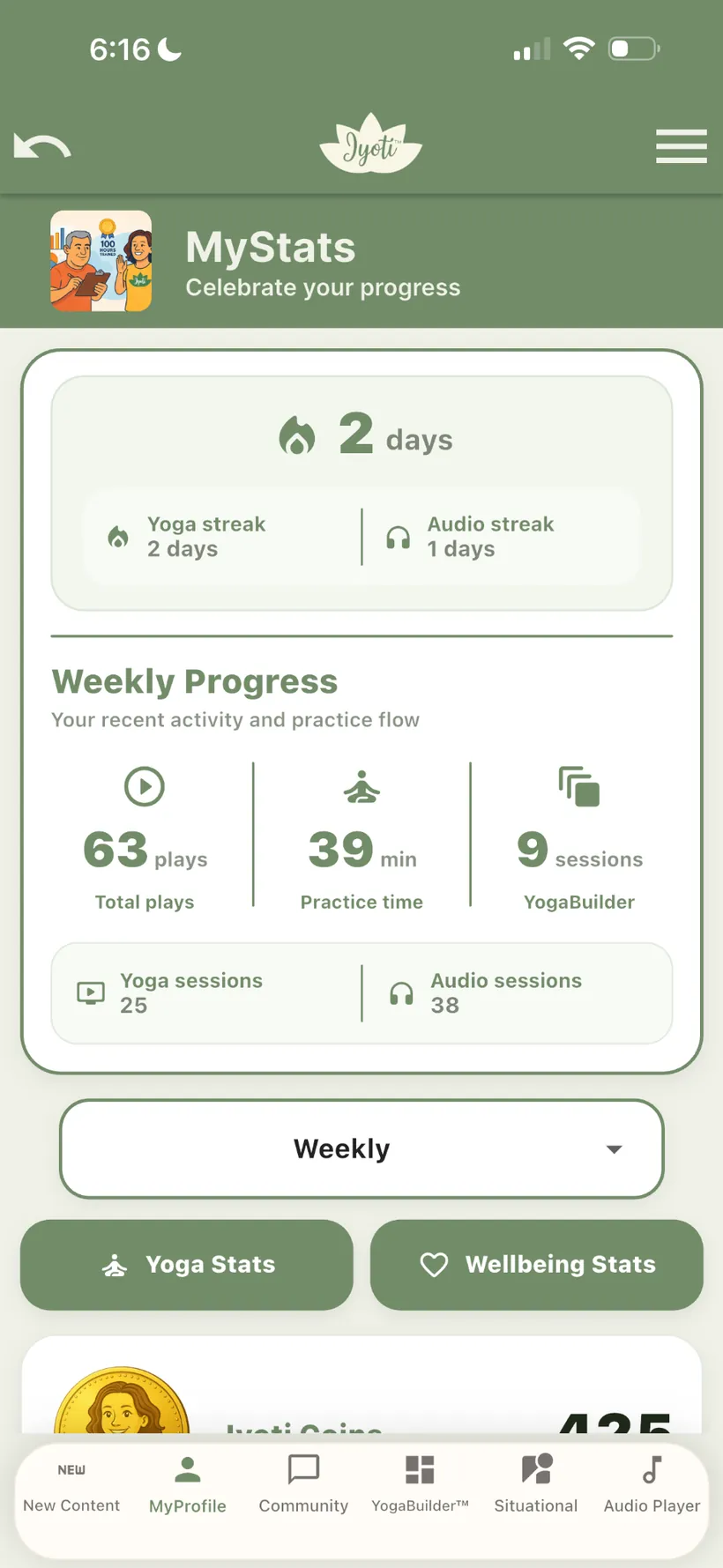 Your progressSee your practice build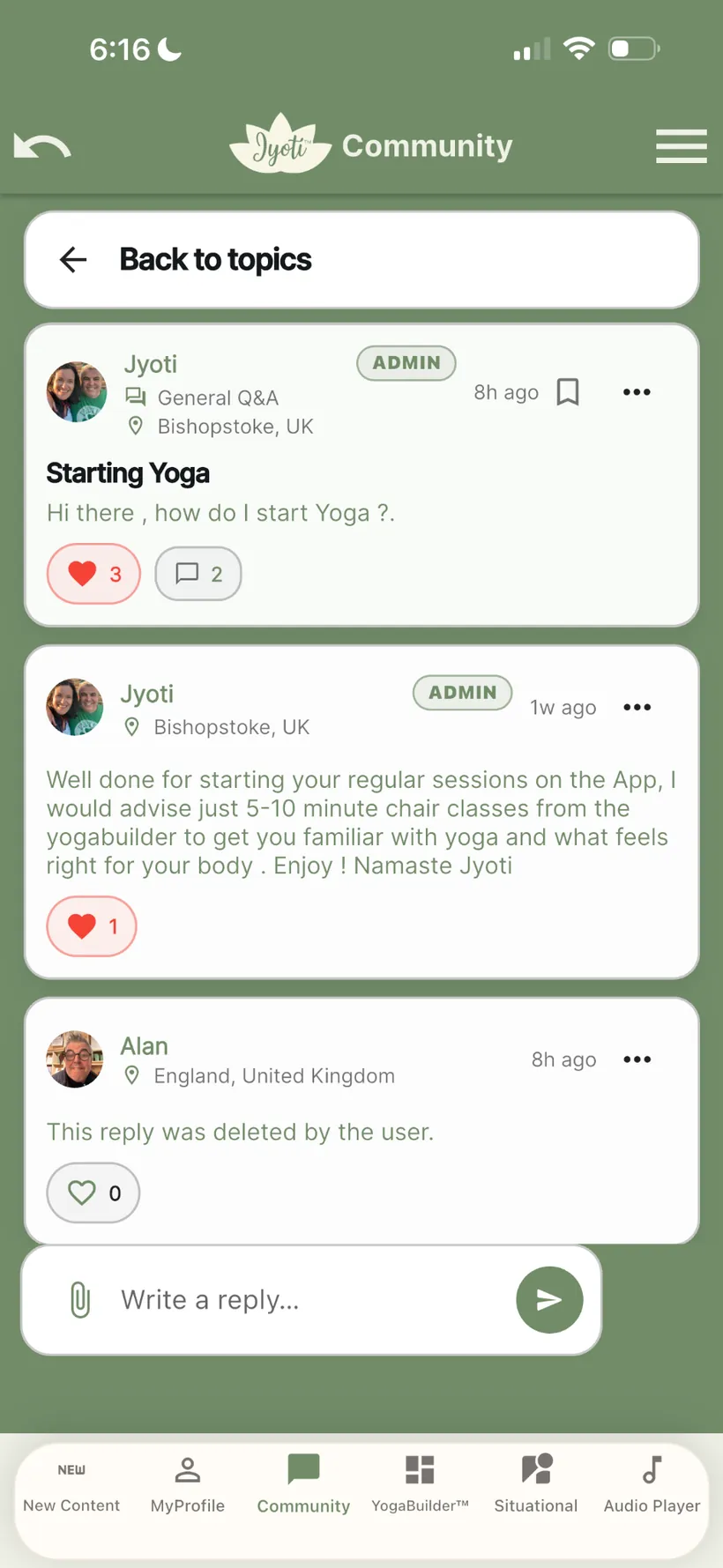
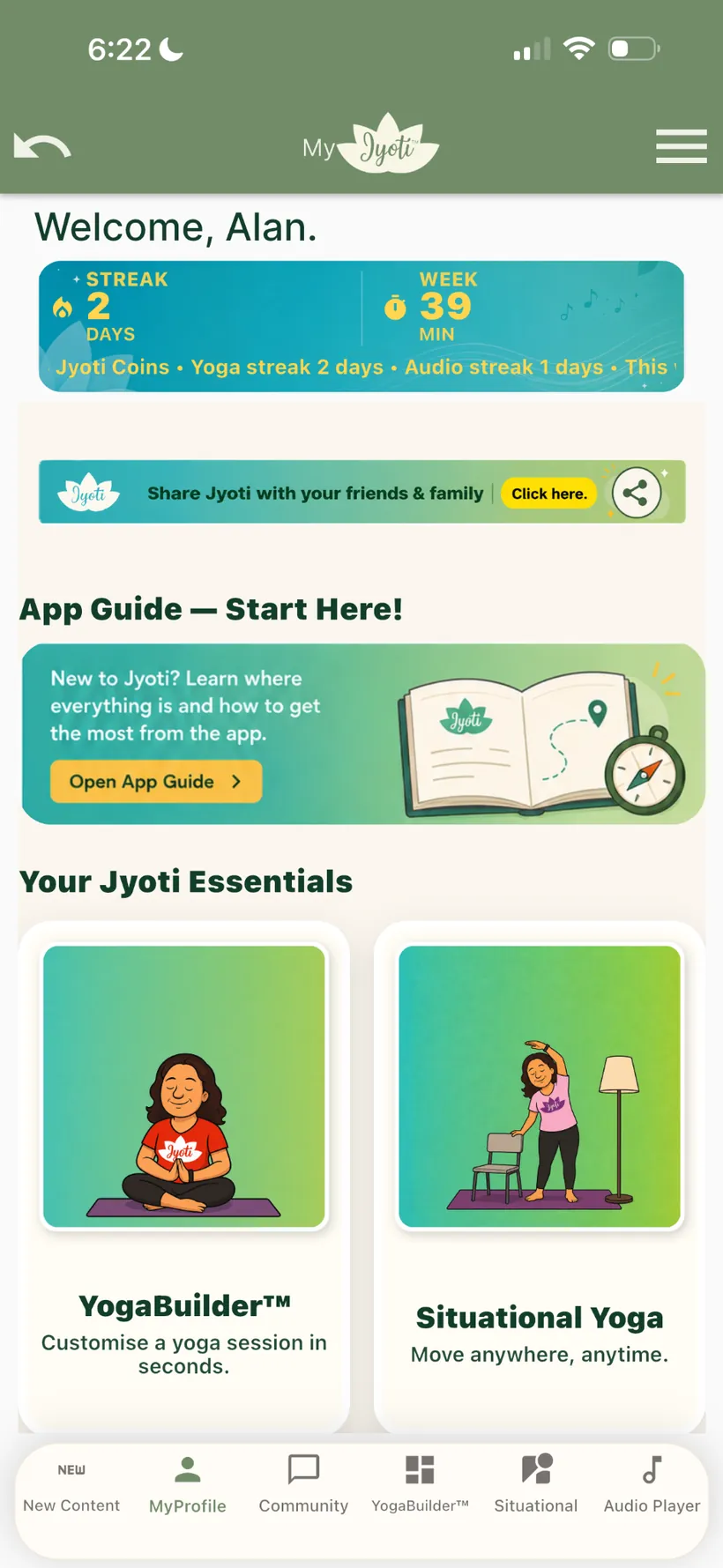
Jyoti was designed around real life. Web access adds another layer of flexibility so you can keep your practice close whether you are at your desk, travelling, using a tablet, or relaxing at home.
Ideal for desk workers and anyone who wants a larger screen for YogaBuilder™, desk-friendly movement, wellbeing content and their Jyoti account.
Keep Jyoti with you on mobile and activate your Premium subscription securely through Apple or Google.
Use a larger portable screen for practice while keeping the same Jyoti login and Premium access.
One universal Jyoti login connects web desktop, tablet, iOS and Android across supported devices.
The web experience is an additional Premium benefit. Subscription setup and billing currently remain in the Apple App Store and Google Play.
Install Jyoti from the Apple App Store or Google Play on your mobile device.
Register in the app and start your Jyoti Premium membership through Apple or Google.
Go to the Jyoti Web App and sign in with the same account. Premium members can continue on desktop or laptop.
YogaBuilder™, Situational Yoga, community, progress and wellbeing content remain part of the same Jyoti Premium experience.
If you already have Jyoti Premium, you can try the Desktop Web BETA using the same Jyoti login. Subscriptions are still set up through Apple or Google on mobile.
Open Jyoti Desktop Web BETA ↗Premium members can move between mobile and web using the same Jyoti login. If you are new to Jyoti, start in the mobile app first to create your account and activate your subscription.